
HOW IT WORKS
1
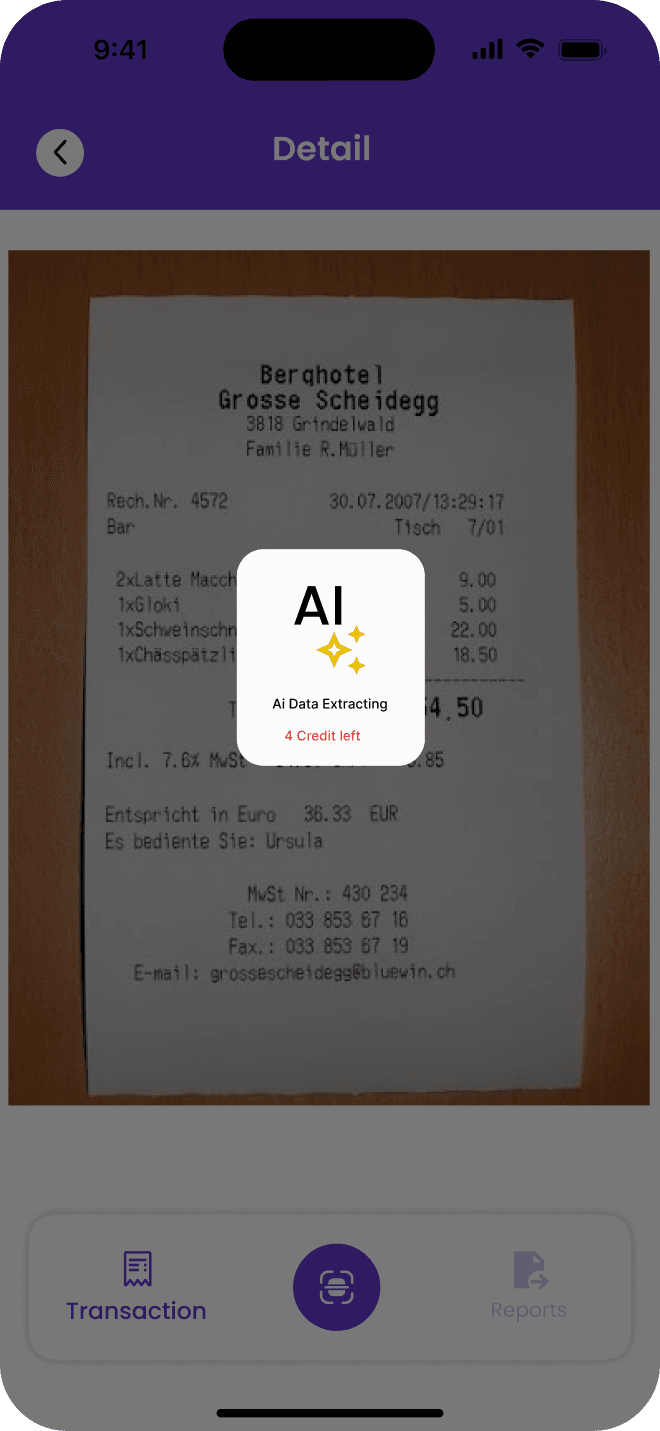
Scan your receipt
Use the AI receipt scanner to capture a paper receipt and turn it into an expense record.
2
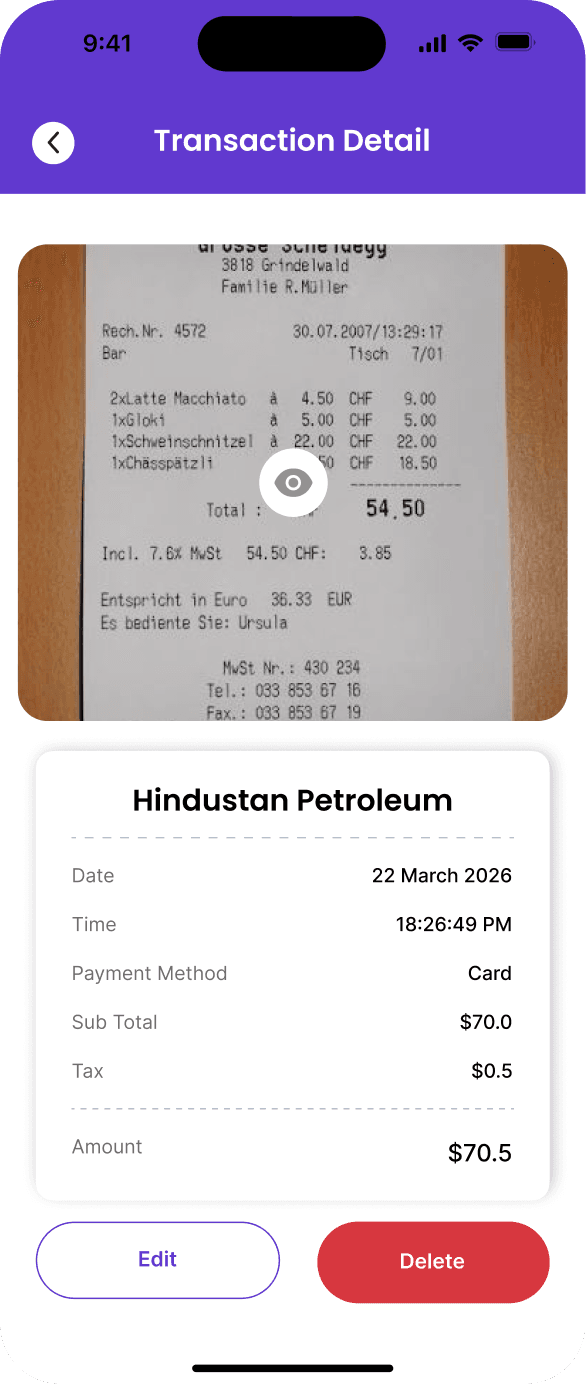
Review your receipt details
Review the scanned receipt and extracted information, and check the details before saving.
3
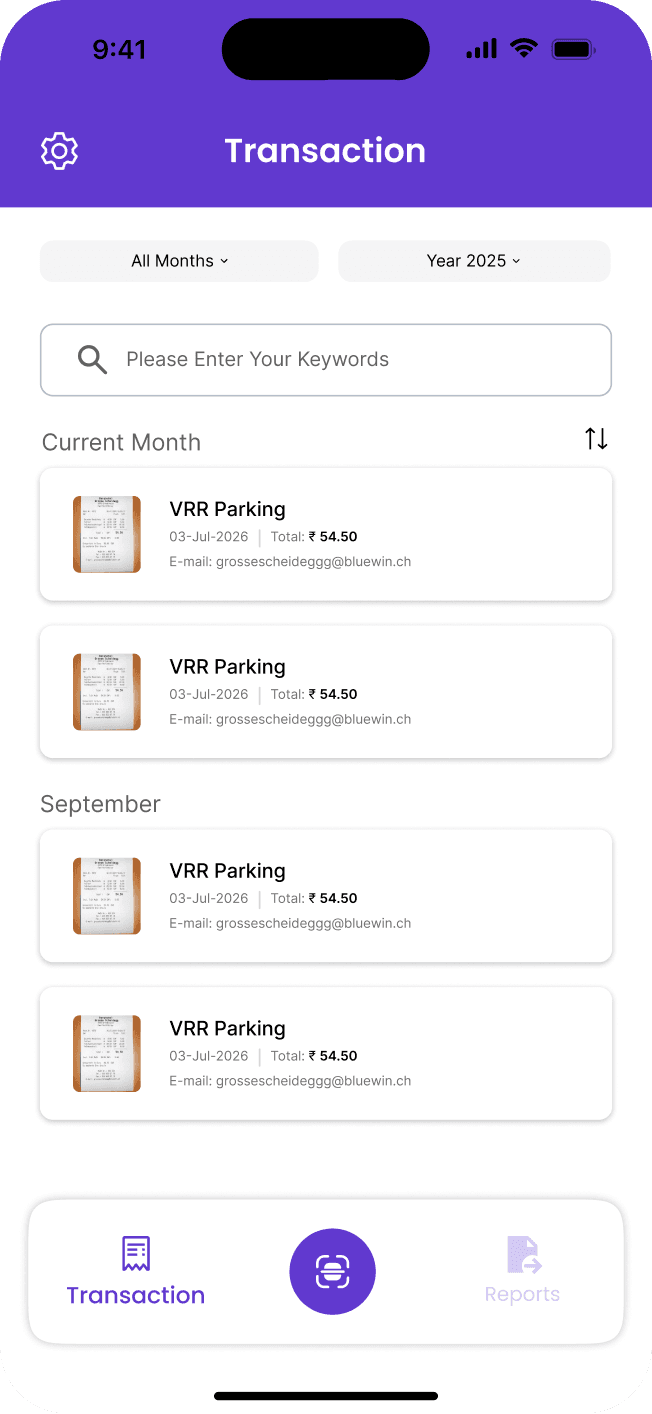
Access your expense records
Keep your scanned receipts and expense records together in your personal dashboard.
4
Keep your expenses organized
Scan receipts, keep your records in one place, and return to them whenever you need.